Planet Fall
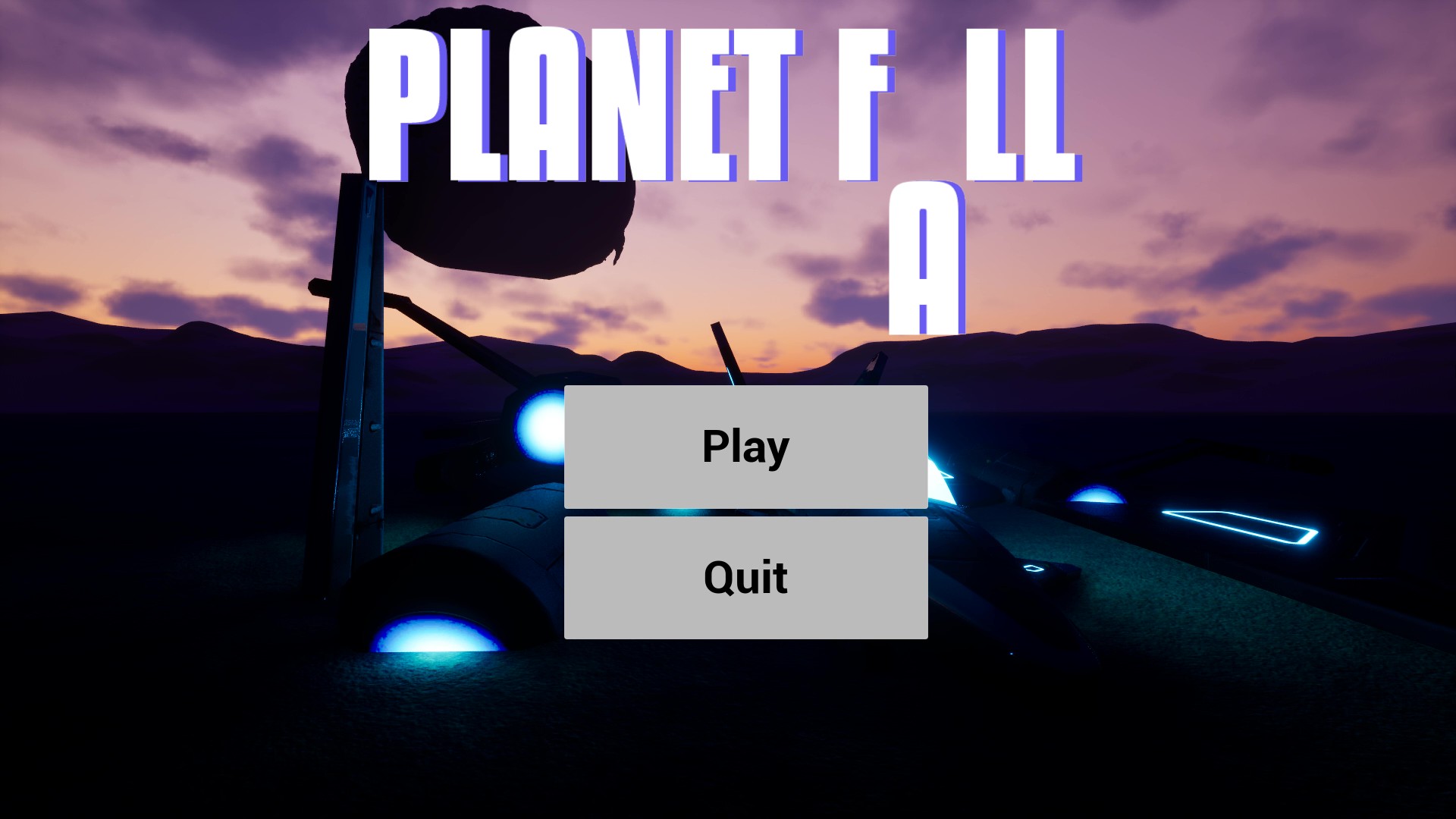
A first-person sci-fi survival horror demo: alone on an alien planet, with a flashlight that runs out and oxygen that does too. Built solo in Unreal Engine 5, using free third-party packs for the art, animation and audio.
Overview
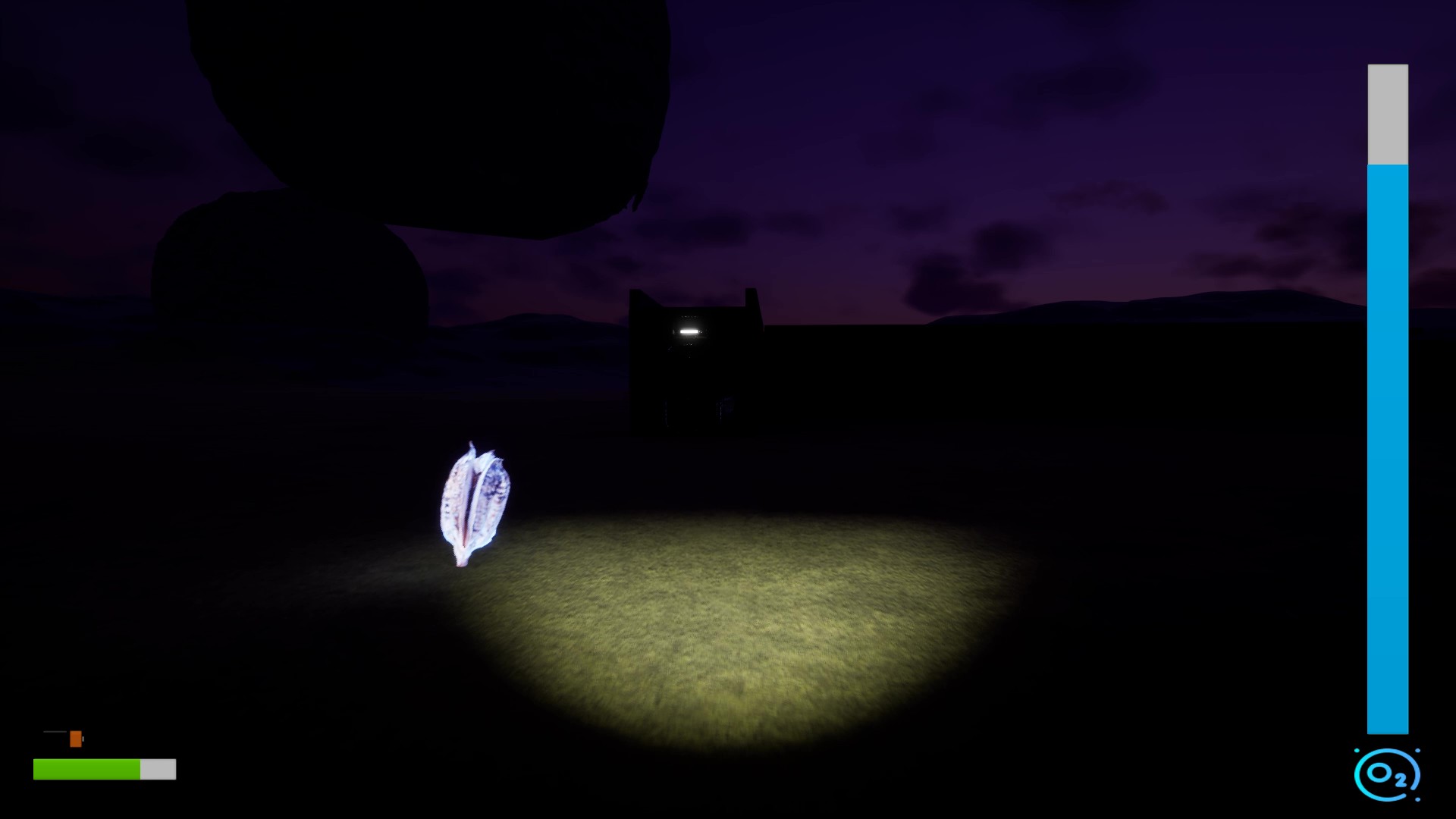
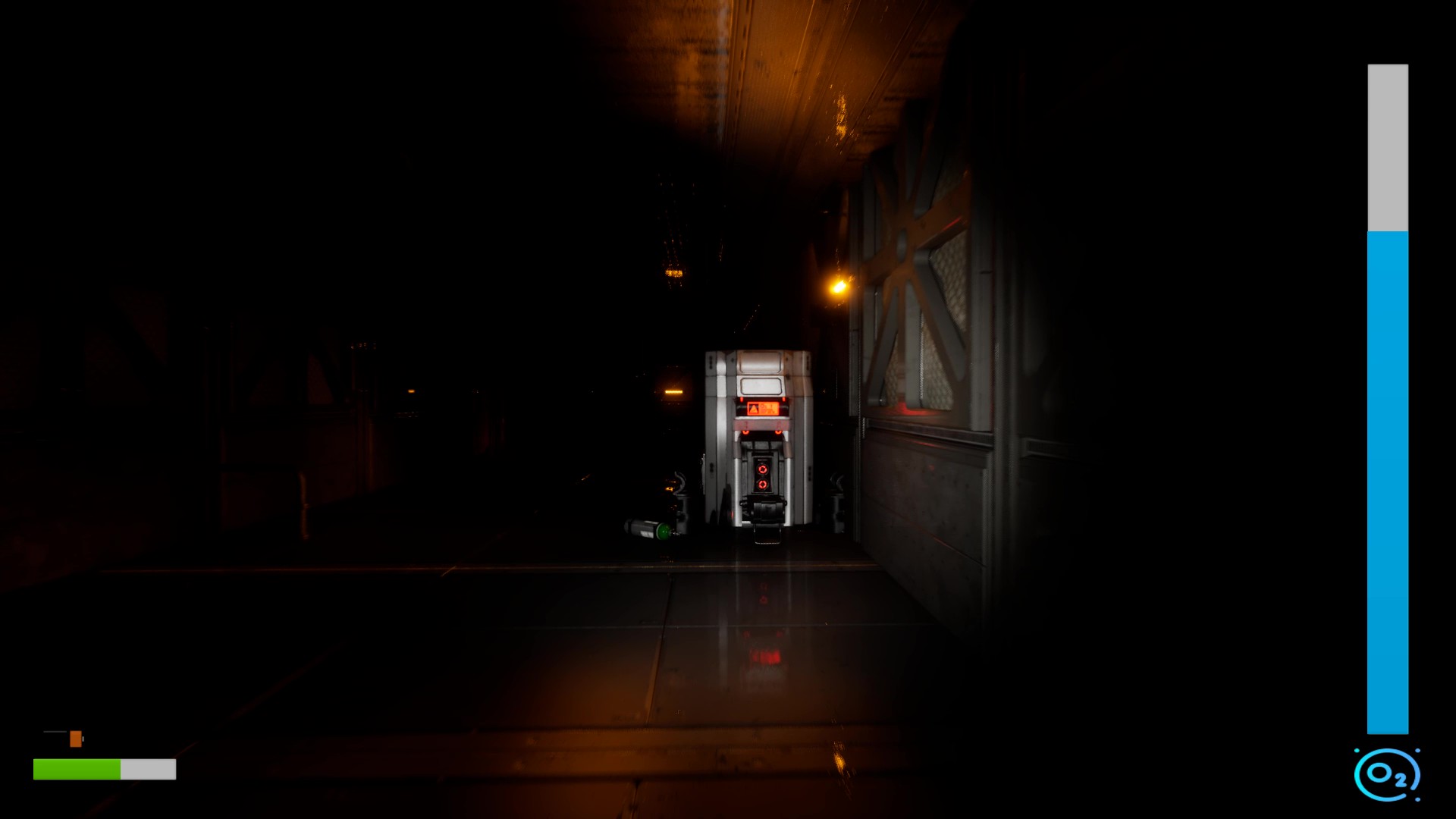
You play a lone astronaut who crash-lands on a desolate alien planet. Your ship is badly damaged, so you have to explore the dark ruins and corridors, find what is missing and get off the planet, while managing your oxygen and your flashlight battery.
I made it as a prototype to practise first-person gameplay, UI and atmosphere in Unreal Engine. The game is built with Blueprints.
The gameplay, Blueprints, AI, UI and level layout are my own work. The 3D models, the spaceship, the environment packs, the animations and the audio are not: they are free third-party assets, listed at the bottom of this page.
What I built
- First-person player: movement, sprinting with stamina, crouching and interaction with objects in the world.
- Oxygen: a meter that drains over time, faster while sprinting, and can be refilled at oxygen stations. Running out kills you.
- Flashlight: the only light in most areas, with a limited battery. Batteries are found around the level.
- Objective: collect the three cores, with an on-screen message when you try to leave too early.
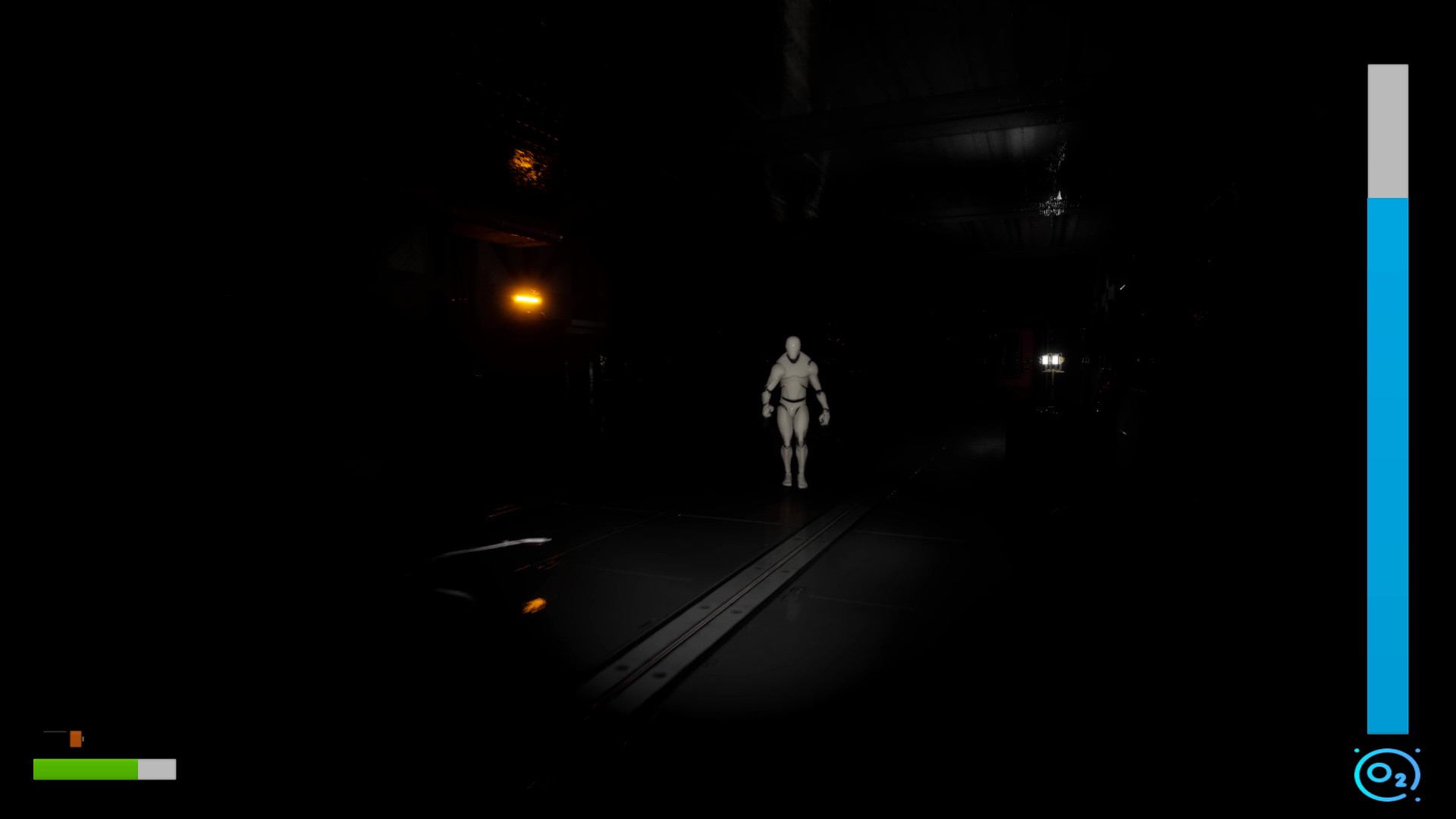
- Enemy AI: a creature driven by a Behavior Tree that roams, chases you when it sees you and attacks. Chase music fades in when it spots you, and getting caught ends in a jumpscare.
- Stealth: crouch, close doors behind you and hide in lockers to stay out of sight.
- Game flow: main menu, intro cutscene, the playable level and a pause menu.
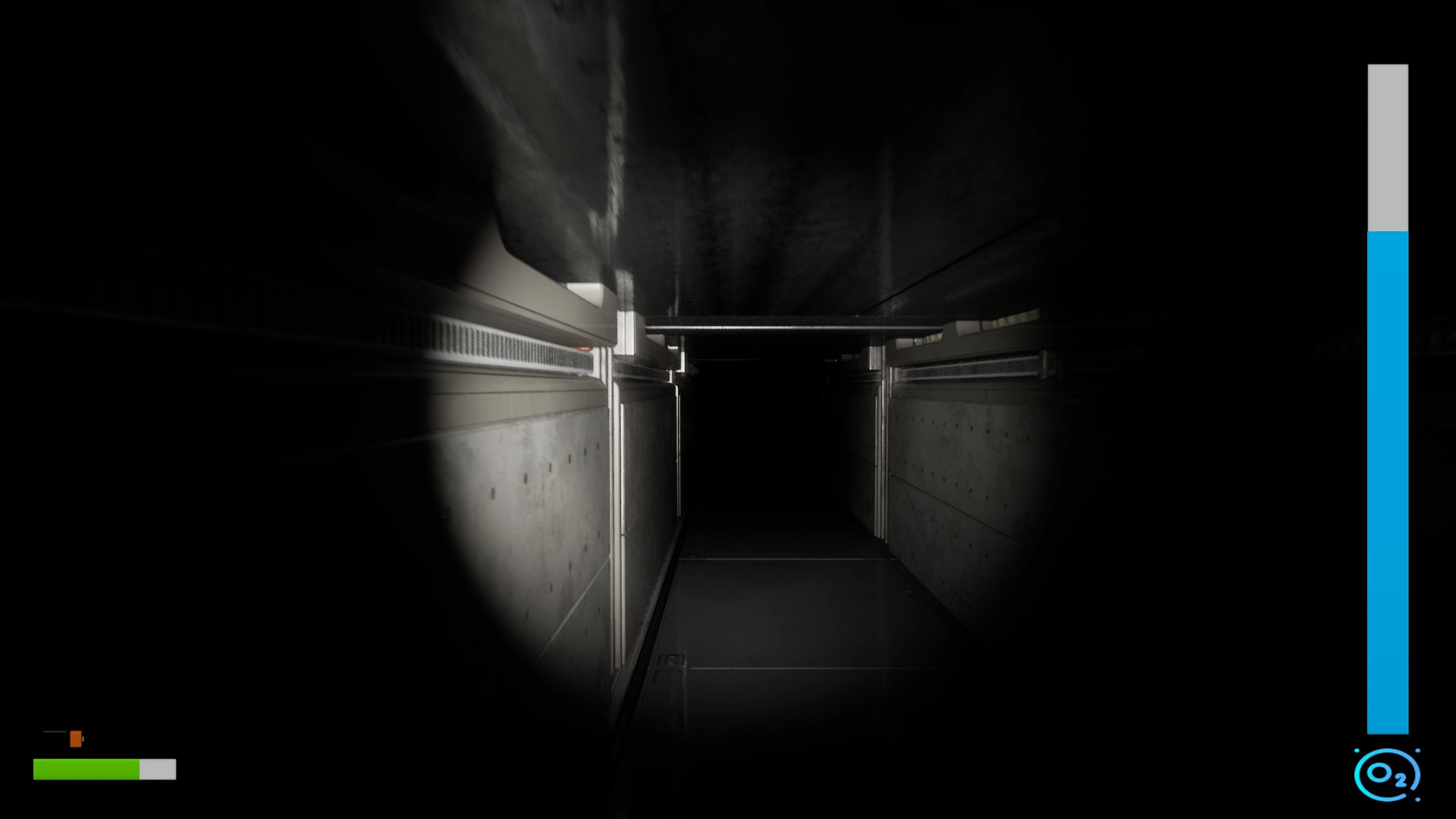
- Level layout: I put the level together from free environment packs: an open alien landscape that leads into narrow, mostly flashlight-lit derelict corridors.
Challenge: first time with Unreal and Blueprints
This was my first project in Unreal Engine and my first time working with Blueprints, so a big part of the month went into figuring out how to structure a game there: what belongs in the player, what belongs in the game mode, and how objects can talk to each other without every Blueprint needing to know about every other one. The breakdown below is what I ended up with.
Technical breakdown
Blueprint architecture
- Every interactable (doors, lockers, batteries, cores, oxygen stations, the ship) implements one Blueprint Interface,
BPI_Interact. OnIA_Interactthe player gets its overlapping actors, checksDoesImplementInterfaceand sends theInteractmessage. The player never casts to a specific object type, so a new interactable needs no changes to the player. - Each interactable has a trigger box and a screen-space
WidgetComponentprompt that it shows and hides on its own overlap events, so it only appears while the player is in range. - State has one clear owner: the character owns oxygen, battery and stamina, the
GameModeowns the core count, and the HUD widgets only read from them. - No actor Blueprint runs logic on Event Tick. Everything is driven by Enhanced Input actions, overlap events, timers and short latent loops. The mapping context is added through the
EnhancedInputLocalPlayerSubsystemin the player controller.
Enemy AI
The creature is an AIController running a Behavior Tree with one Blackboard key, seePlayer.
A Selector picks between two Sequences, each guarded by a Blackboard decorator with its abort mode set to
Self, so the running branch stops the moment the key flips:
Selector
├─ Search Player   [seePlayer is not set, aborts self]
│    BT_Task_RoamAround   random reachable point within 30 m, AI Move To
│    Wait 3 s
└─ Chase Player    [seePlayer is set, aborts self]
     BT_Task_ChasePlayer  AI Move To the player, 1.2 m acceptance radius
BT_Task_AttackPlayer play the attack montage, sphere trace, Apply Damage- Sight comes from a
PawnSensingComponent(60 m range, 87° vision cone, players only).OnSeePawnsetsseePlayerand fades in the chase music. - To lose the player, a looping 2-second timer clears
seePlayerand checks it again a second later. While the creature can still see you, PawnSensing (which checks every 0.02 s) sets the key straight back, so it only gives up, and fades the music out, once you have actually broken line of sight. - The attack plays a paired montage and sphere-traces from an arrow component on the creature. A hit calls
Apply Damage, and the player'sEvent AnyDamageruns the death: input off, fade, jumpscare, level restart. - The creature walks at 400 cm/s against the player's 300 walk and 600 sprint, so you can only outrun it by sprinting, and sprinting doubles your oxygen use.
Survival systems without Tick
- Oxygen: a looping 10-second timer takes 5 oxygen, or 10 while sprinting, giving about 200 seconds of air when walking. At zero the character applies damage to itself, so suffocation and getting caught share one death path.
- Stamina: two self-repeating events with a 0.1 s delay, one draining and one regenerating 2 points per step. Starting and stopping the sprint swaps which one runs, so a full bar lasts 5 seconds of sprinting.
- Battery: a 1-second loop drains 1% while the flashlight is on (100 seconds of light) and switches it off at zero. Pickups add 20%, clamped to the maximum.
Surface-aware footsteps
An AnimNotify_Footstep on the walk animations fires a line trace one metre down from the character,
reads the physical surface with Get Surface Type and switches on it. I defined Grass and Metal as
project surface types and assigned the physical materials to the level's meshes and ground material. Each surface
plays a Sound Cue that picks randomly between three recordings, at the hit location.
World Partition
The level is a World Partition map with One File Per Actor: about 950 actors are each saved in their own package, next to a landscape split into 64 streaming proxies and an HLOD layer for distant cells.
Optimization pass
When I came back to the project two years later for this portfolio, I audited its assets and settings and found it was far from optimised. I fixed it with editor Python scripts and Unreal's commandlets, then verified every change by rescanning the asset registry and booting each level headless.
Geometry: Nanite was off
The rocks are film-quality photogrammetry scans, but Nanite was disabled for the whole project
(r.Nanite.ProjectEnabled=False) and on every mesh. One stone pile has 2,110,668 triangles and was
placed as 12 separate actors, and the seven scanned rock meshes in the level added up to 27.7 million triangles at
full detail, and Virtual Shadow Maps draw that geometry a second time into the shadow pages it covers. I enabled
Nanite for the project and on those seven meshes, so the engine streams and draws only the detail the screen can
show, with a fallback mesh of about 12,500 triangles. I also added the Nanite usage flag to their parent material,
which they need to render correctly in a packaged build.
Textures: 16K maps on rocks
Eleven rock textures were 8K or 16K. A single 16K texture in DXT1 with its mip chain is about 171 MB. I capped them
with MaxTextureSize, which keeps the source data and only changes the cooked and streamed resolution:
| Textures | Cap | Before | After |
|---|---|---|---|
| 11 scanned rock textures (8K and 16K) | 4K | 853 MB | 117 MB |
| 57 small sci-fi prop textures (4K) | 2K | 821 MB | 205 MB |
| 4 oxygen station textures (4K) | 2K | 53 MB | 13 MB |
| Total, fully resident with mips | 1.69 GB | 0.33 GB |
Lighting and World Partition
- Lumen software ray tracing was on with
r.GenerateMeshDistanceFields=False, so Lumen had no mesh distance fields to trace against and global illumination never worked as intended. Enabling them fixed the lighting. - The HLOD actors in both maps were built for a runtime grid that no longer existed. In the main level all 64 logged a map check error every time it loaded. I deleted and rebuilt them with the
WorldPartitionHLODsBuildercommandlet, and resaved the 833 actors whose World Partition descriptors were out of date withWorldPartitionResaveActorsBuilder.
Content and build size
- I walked the asset registry's hard and soft dependency graph from the three game maps and their 1,112 external actor packages. Everything unreachable, 1,527 packages, was deleted. Every redirector left over from earlier folder moves was fixed up, and a rescan confirmed no reference points at a missing asset.
- A leftover
StartupActionsentry inDefaultGame.inire-imported the whole Starter Content pack every time the project was opened, quietly adding a 600 MB duplicate. I removed it. - The packaging settings had no map list, so every map in the project was cooked, including test and demo maps and everything they reference. The build now cooks only the three game maps.
| Before | After | |
|---|---|---|
| Content folder | 7.1 GB | 2.5 GB |
| Packaged game content | 3.65 GB | 0.79 GB |
| Texture memory of the capped textures | 1.69 GB | 0.33 GB |
| Scanned rock geometry | 27.7 M triangles, no Nanite | Nanite streamed |
Bugs it turned up
- Fourteen rock materials pointed at a parent material that was never imported, so those rocks rendered with the grey default material. I recreated the parent at the path they expected.
- The hint for collecting all three cores was a
Print String, which is stripped from Shipping builds, so players never saw it. It now shows a widget that removes itself after three seconds. - The pause menu's Quit button called
Open Levelwith the nameNone. It only reached the main menu because the engine falls back to the default map when a level fails to load. - Two interact events cast the
OtherActorpin from a different event. That only works because Blueprints keep the last value of an event's output, so it now usesGet Player Character.
Third-party assets
None of the art, animation or audio was made by me. These are free assets that I added to the project and built the game around:
- Alien environment: the rocks, stones, plants and wheat come from a free alien environment pack built on Megascans scans.
- Sci-fi interiors: the walls, floors, pipes, lights and props of the derelict base come from two free modular sci-fi packs.
- Spaceship: the crashed ship is from the free Star Sparrow modular spaceship pack.
- Characters: the player uses Epic's UE5 mannequin, and the creature uses a UE4 mannequin from a free shooter character pack.
- Animations: Epic's mannequin animations, the creature's idle and walk from the same shooter pack, its attack from RamsterZ Free Anims Volume 1, and a free set of crouch animations.
- Props: the battery and oxygen station models are free downloads, plus a few shapes and materials from Epic's Starter Content.
- Audio: the music, ambience and sound effects come from free sound libraries, including Freesound.
- UI: a few of the HUD icons are free downloads.
These assets are not included in the GitHub repository, which only contains my own work.